VisualStudio ショートカット(基本)
| No. | ショートカットキー | 説明 | |
| 1 | Ctrl+k+Ctrl+c | コメントアウト | |
| 2 | Ctrl+k+Ctrl+u | コメントアウト解除 | |
| 3 | Ctrl+G | 指定した行にカーソルを移動させる | |
| 4 | Ctrl+M→Ctrl+L | 全ての領域の折り畳み状態を切り替える | |
| 5 | Ctrl+M→Ctrl+M | 選択されている領域の折り畳み状態を切り替える | |
| 6 | Ctrl+Alt+L | ソリューションエクスプローラーを開く | |
| 7 | Shift+F9(Shift+Alt+Q) | [クイックウォッチ]ダイアログボックスに、選択した式の現在の値を表示 | |
| 8 | Ctrl+O | ファイル所在フォルダを開く | |
| 9 | Ctrl+F5 | デバッグなしで開始 |
Visual Studio初級者のための基本

以前の Visual Studio のダウンロード - 2019、2017、2015
Visual Studio Community、Professional、Enterprise ソフトウェアの以前のバージョンをダウンロードします。ここで Visual Studio (MSDN) サブスクリプションにサインインします。
visualstudio.microsoft.com
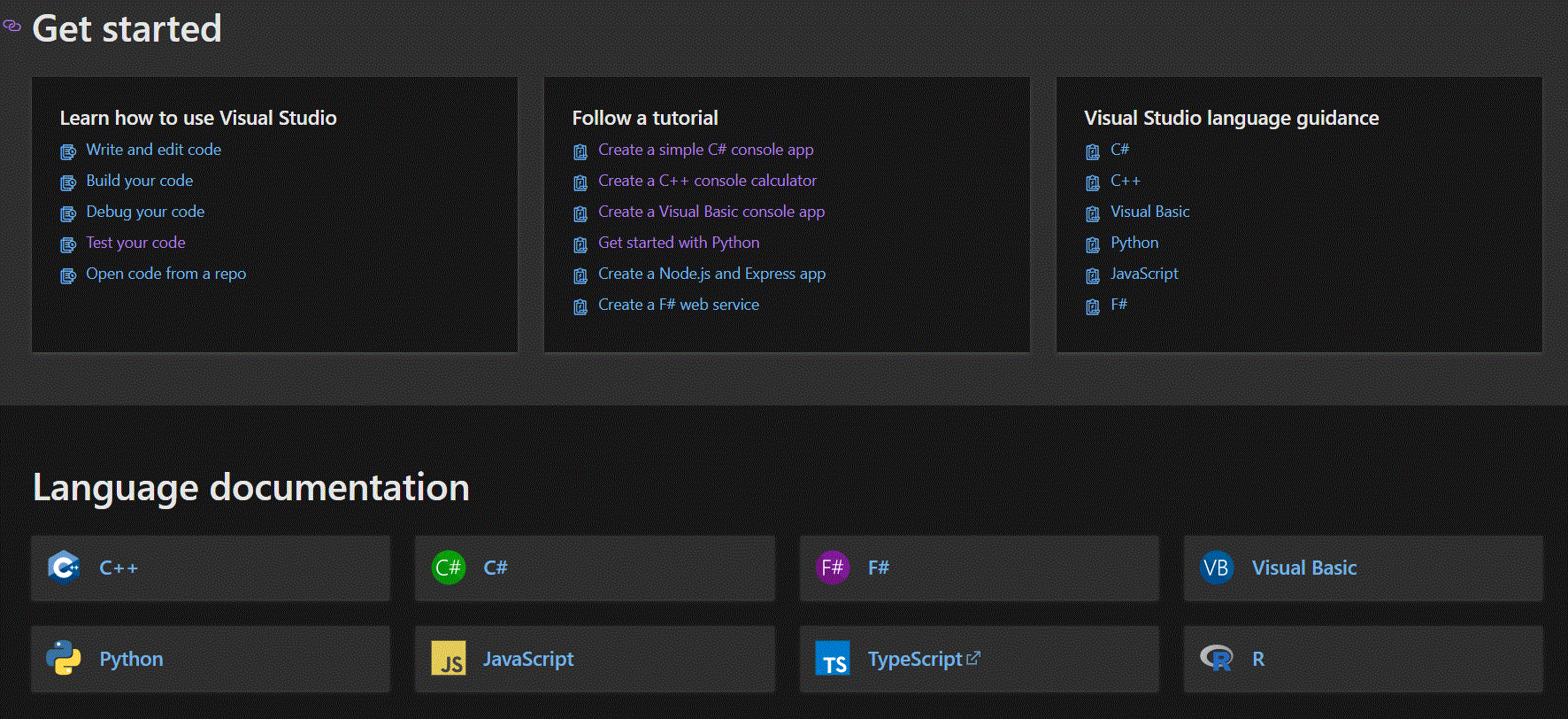
Visual Studio documentation

Visual Studio documentation
Learn how to use Visual Studio to develop applications, services, and tools in the language of your choice, for any platform or device.
learn.microsoft.com

C#コンソールアプリ
Tutorial: Create a simple C# console app - Visual Studio (Windows)
Create a C# console application in Visual Studio and explore some features of the Visual Studio integrated development environment (IDE).
learn.microsoft.com
C++のコンソール電卓
Create a console calculator in C++
Create a Hello World console app and a calculator app in Visual C++
learn.microsoft.com
Visual Basicのコンソールアプリ
Tutorial: Create simple Visual Basic console apps - Visual Studio (Windows)
Create a Visual Basic console application in Visual Studio that asks the user for input and displays the value along with the current time.
learn.microsoft.com
Python
Install Python Tools for Visual Studio (PTVS) - Visual Studio (Windows)
Install the Python Tools for Visual Studio (PTVS) in Visual Studio on Windows and check your installation in the Python Interactive window.
learn.microsoft.com
単体テスト実行
Overview of testing tools - Visual Studio (Windows)
Explore the features of Visual Studio testing tools that can help you and your team develop and sustain high standards of code excellence.
learn.microsoft.com

コメント